
Legacy Kits
Legacy Kits let you create physical recovery sheets for your Ente account. They are useful for inheritance, disaster recovery, or self-recovery if you lose your password and recovery key.
Each kit has 3 recovery sheets. Any 2 of the 3 sheets can start account recovery. One sheet alone is not enough.
How Legacy Kits work
When you create a Legacy Kit, Ente generates a separate kit secret and splits it into 3 parts. Each recovery sheet contains one part. The sheets do not contain your account recovery key and cannot directly log someone into your account.
During recovery, the helper combines any 2 sheets in a browser. The browser reconstructs the kit secret locally, opens a scoped recovery session, waits for the selected recovery time, and then completes account recovery through the password reset flow.
The server never sees the kit secret, the sheet contents, or your decrypted recovery key.
The split uses Shamir's 2-of-3 secret sharing. Legacy Kit is the version we ship for Ente accounts: it adds the server-mediated, revocable recovery flow that account inheritance needs on top of the same 2-of-3 math. The same scheme is also available as a standalone web app at 2of3, which works on any text-based secret without an Ente account. For a visual walkthrough of the math, see How Shamir's Secret Sharing Works.
Create a Legacy Kit
Legacy Kit creation and management are available in Ente Locker on mobile.
On mobile:
- Open Ente Locker.
- Open the Locker menu.
- Tap Legacy.
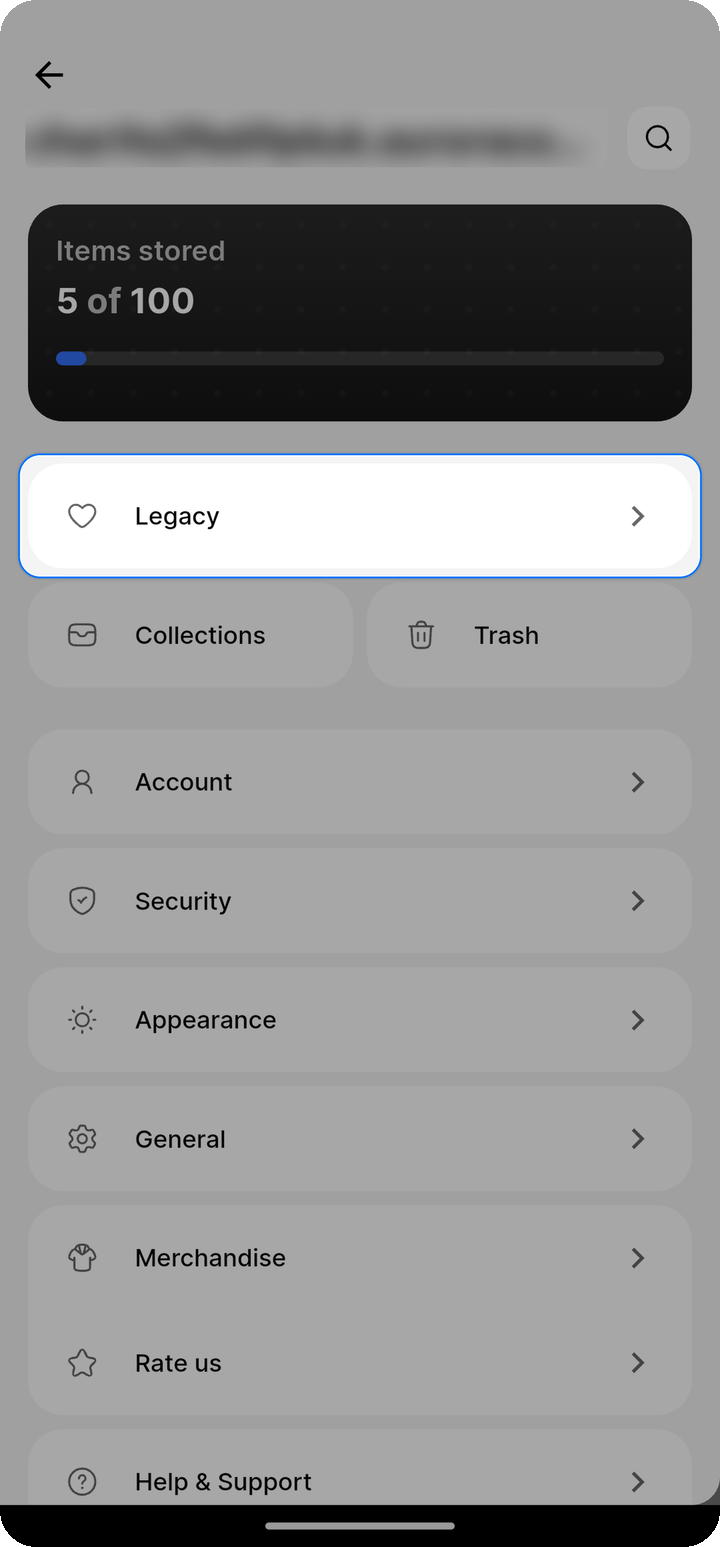
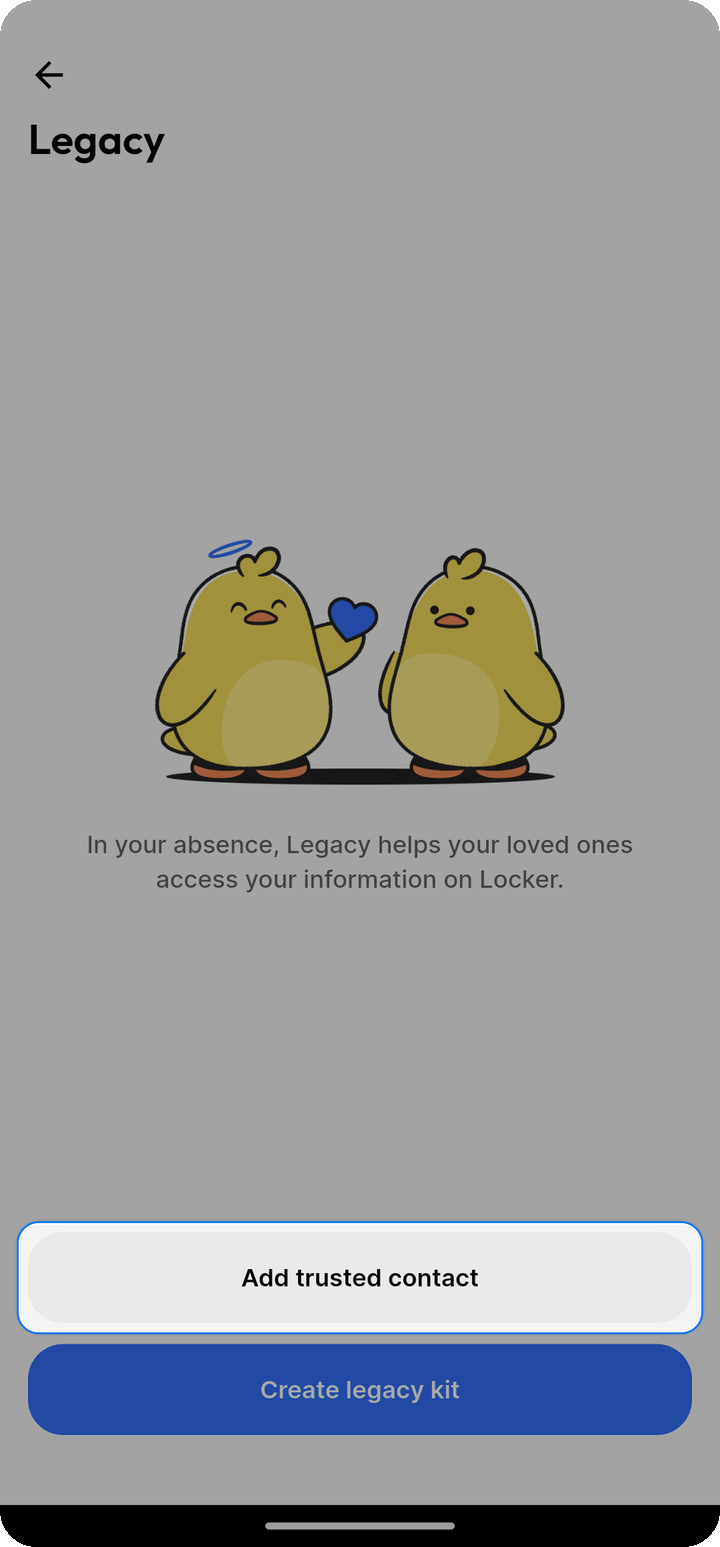
- Open Legacy kits.
- Tap Create legacy kit.
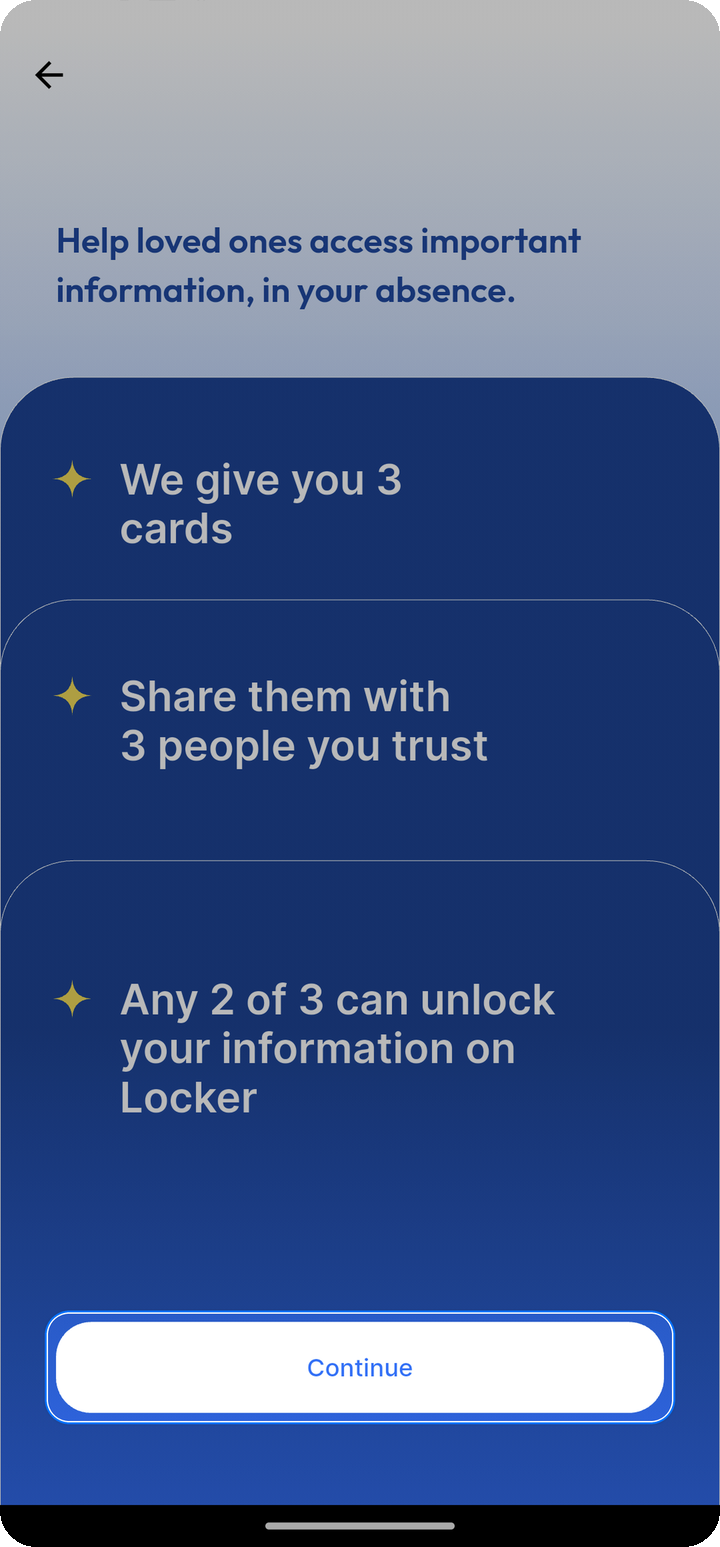
- Name the 3 recovery sheets.
- Select the recovery wait time.
- Authenticate when prompted.
- Download, print, or share the recovery sheets.
Store the sheets separately. For example, keep one at home, one with a trusted family member, and one with a lawyer or in another secure place.
Recovery wait time
Choose one wait time for each kit:
- Immediate
- 1 day
- 7 days (default)
- 15 days
- 30 days
The selected wait time is captured when recovery starts. Changing the wait time later affects future recovery attempts only, and you cannot change it while a recovery attempt is active.
Immediate recovery is useful for self-recovery, but it gives you little time to notice and block an unauthorized attempt. Longer wait times are better for inheritance scenarios.
Recover with a Legacy Kit
The person helping you does not need Ente installed and does not need an Ente account.
On web:
- Open the recovery URL printed on a recovery sheet. Ente Cloud sheets use legacy.ente.com.
- Add any 2 sheets from the same kit.
- Follow the browser recovery flow.
- Wait until the recovery attempt is ready.
- Set a new password for the account.
The recovery URL can differ for self-hosted or custom deployments, so use the URL printed on the sheet.
Manage a Legacy Kit
On mobile:
- Open Ente Locker.
- Open the Locker menu.
- Tap Legacy.
- Open Legacy kits.
- Tap a kit.
From the kit page, download the recovery sheets again, change the recovery wait time when no recovery is active, delete the kit, or block an active recovery attempt.
You can create up to 5 non-deleted Legacy Kits. Deleted kits stop counting toward this limit.
Blocking and deleting
If someone starts recovery with a Legacy Kit, Ente sends you a recovery-started email. The Legacy page also shows an active recovery warning.
- Ente sends email when Legacy Kit recovery starts and when it completes.
- Ente does not currently send a separate email when a delayed recovery becomes ready.
- Block recovery cancels the current active recovery attempt. The kit remains usable, so someone with 2 sheets can start another attempt later.
- Delete kit disables those sheets for future recovery and blocks any pending active recovery attempt for that kit.
Only one active recovery attempt is allowed per kit.
Security notes
- Two sheets from the same kit are enough to start recovery.
- The sheets do not contain your account recovery key.
- The sheet names and stored sheet payloads are encrypted so Ente's servers cannot read them.
- Printed sheets may reveal the human-readable sheet name, so avoid sensitive names.
- Owner recovery details are available only while a recovery session is active.
- Recovery audit details, such as used sheet numbers, IP address, and user agent, are hints only. They do not prove a person's identity.
- Legacy Kits do not create a trusted-contact relationship and do not pause inactive-account deletion.
- Legacy Kits do not currently have kit nicknames or a Verify kit flow. Kit labels are based on the 3 sheet names.
- If your account recovery key changes, existing kits may stop working unless they are recreated or rewrapped in a future version.