
Memory Lane
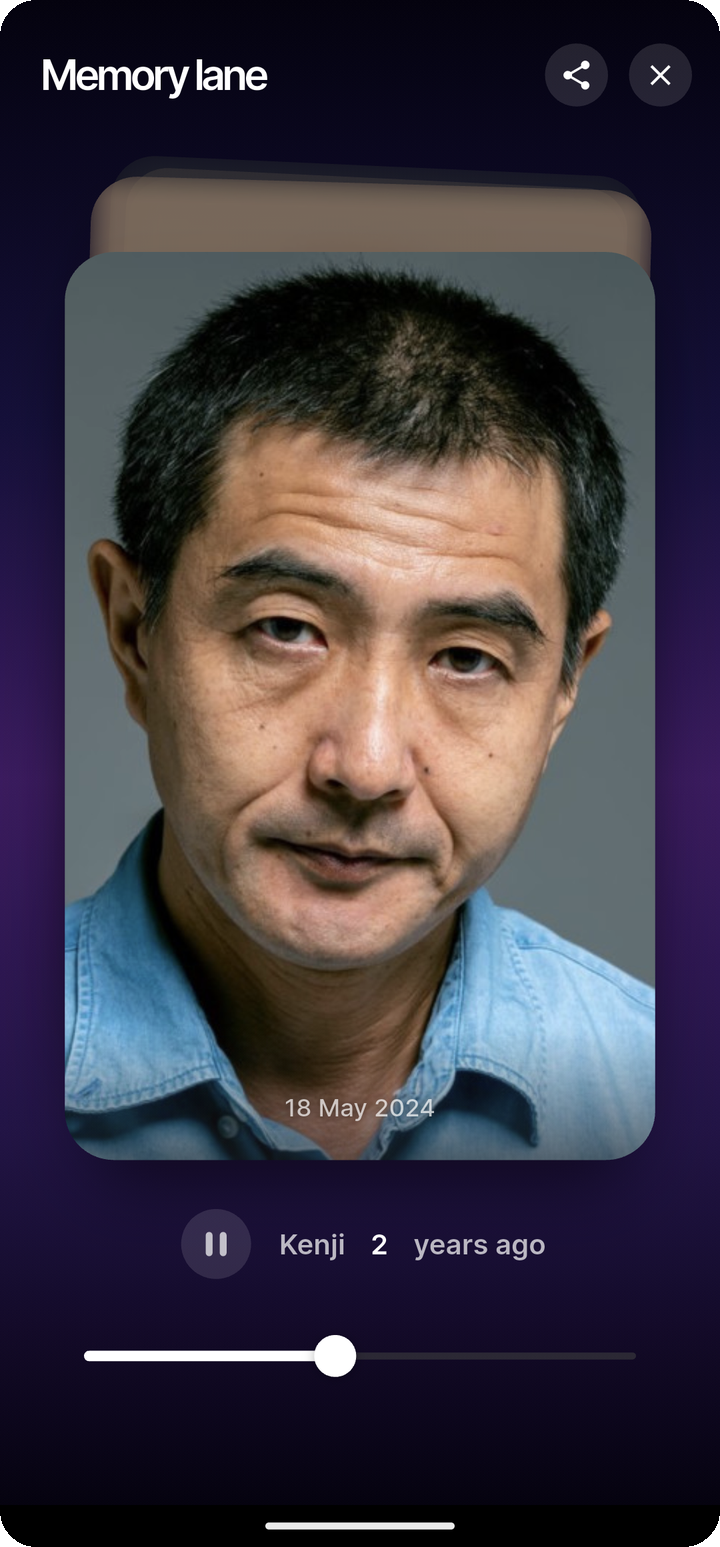
Memory Lane creates a timeline for a person using photos of them from different years. It helps you rediscover how someone has changed over time, and you can share that timeline as a public link.
NOTE
Memory Lane is currently available in the mobile apps.
How Memory Lane works
Memory Lane uses Ente's face recognition to build a timeline for a person. When a person has enough eligible photos, Ente shows a Memory lane banner on that person's page.
The timeline can include:
- photos from different years
- captions such as how many years ago a photo was taken
- age-based captions if that person's birth date is known
Because the timeline depends on face recognition, hidden or ignored faces may affect whether Memory Lane appears.
Open Memory Lane
On mobile:
- Open the Search tab.
- Open the People section.
- Select a person.
- Tap the Memory lane banner when it appears.

After viewing the entire Memory Lane the banner will disappear from the People page, but the Memory Lane will still be accessible through the dropdown menu in the top-right corner.
If the banner does not appear yet, Ente may still be preparing the timeline, or the person may not meet the eligibility requirements above.
Share a Memory Lane link
You can share a Memory Lane as a public link so others can view that person's timeline in a browser.
On mobile:
- Open a person's Memory lane.
- Tap the share action.
- Create or copy the link.
- Share the link with anyone you want.

Recipients can open the link without an Ente account.
What recipients see
A shared Memory Lane opens as a public, browser-based viewer with the same timeline-style presentation.
Recipients can:
- view the timeline in order
- play through the lane presentation
- open the shared link without signing in
If the link expires or is removed, it will stop working.
Eligibility
Memory Lane appears only when a person's photos meet both of these minimums:
- At least 2 different years of photos that contain the person.
- At least 4 photos of the person per year, for each of those years.
If the person's birth date is set, photos taken before they turned 3 years old are not counted toward these minimums. Because Memory Lane still needs 2 separate years of 4 or more photos on top of that cutoff, the timeline will typically not appear until the person is around 4 or 5 years old.
Hidden photos and ignored faces do not count toward the minimums.