
Library sharing
Library sharing lets you share the albums you own with a family member in one action. You can also automatically share new albums as you create them.
NOTE
Library sharing is available on iOS and Android starting v1.3.63.
The recipient must be an active member of your family plan.
Share albums
- Open
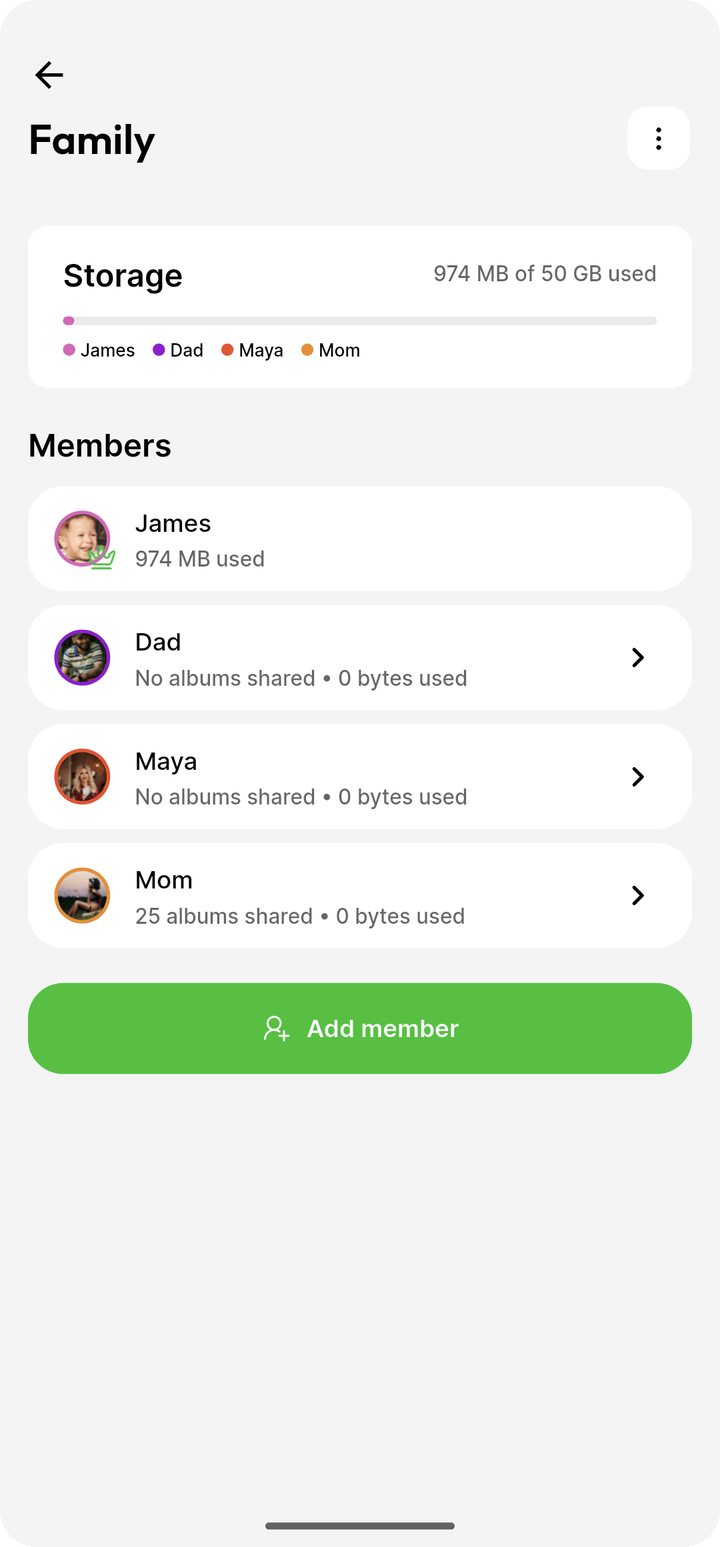
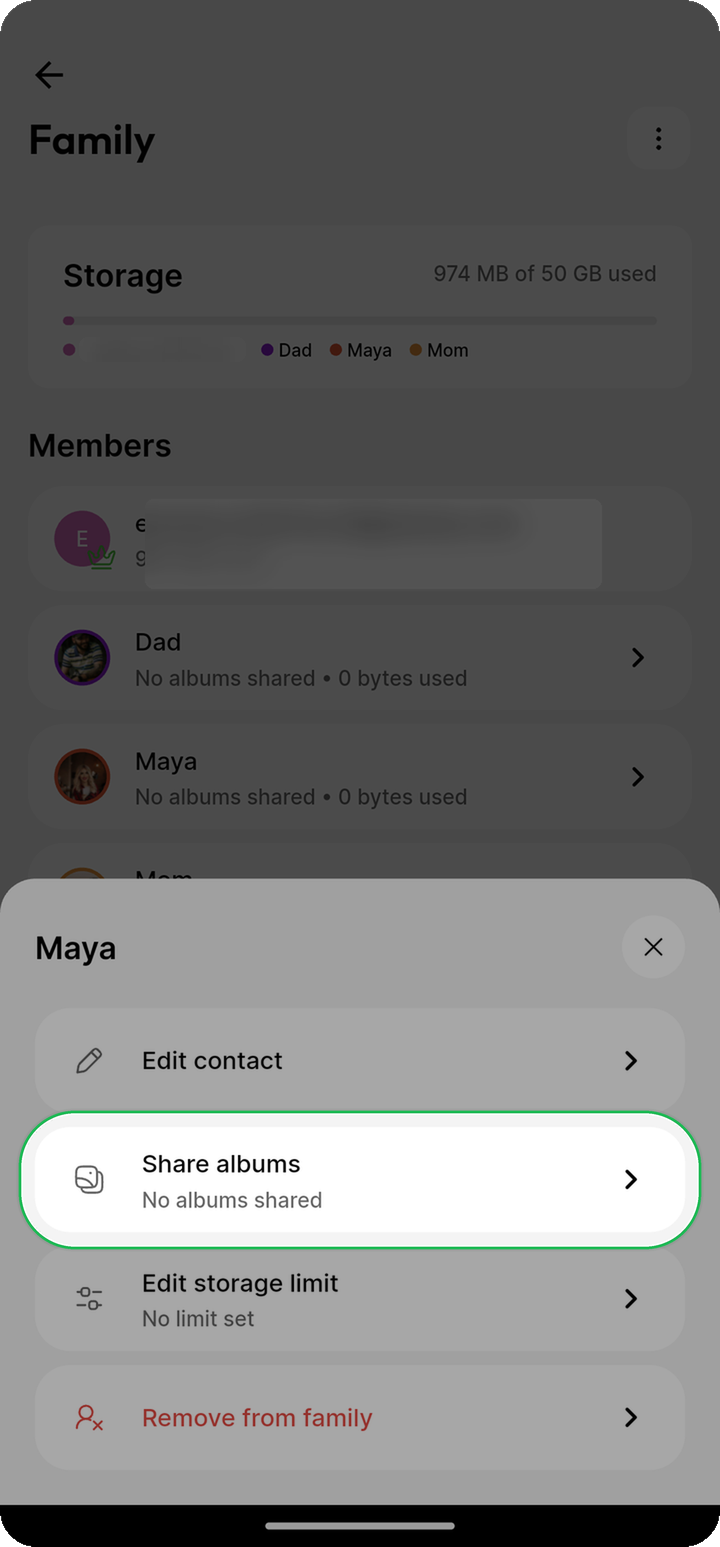
Settings > Family. - Select a family member and tap Share albums.
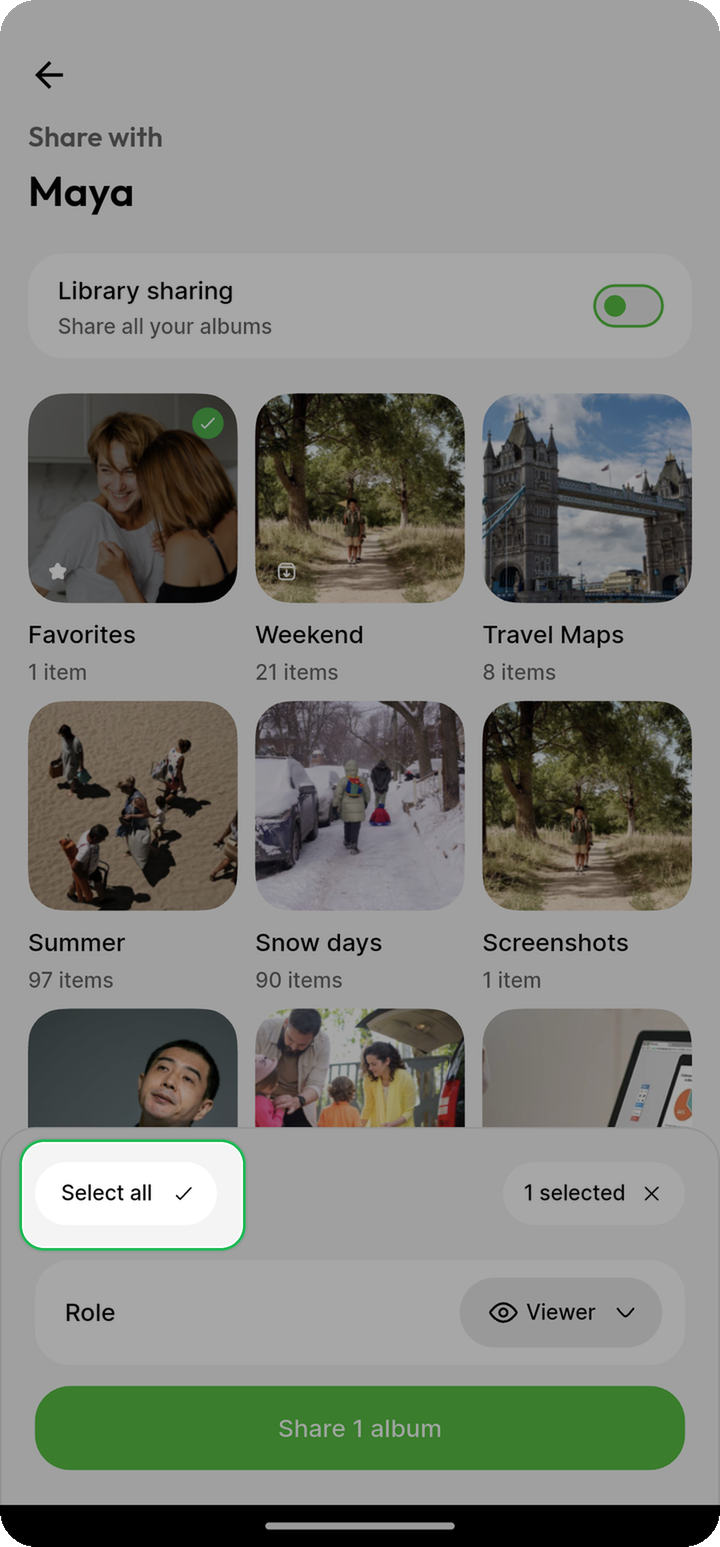
- Select the albums to share, or tap Select all.
- Choose Viewer, Collaborator, or Admin for the selection. You can also assign roles per album.
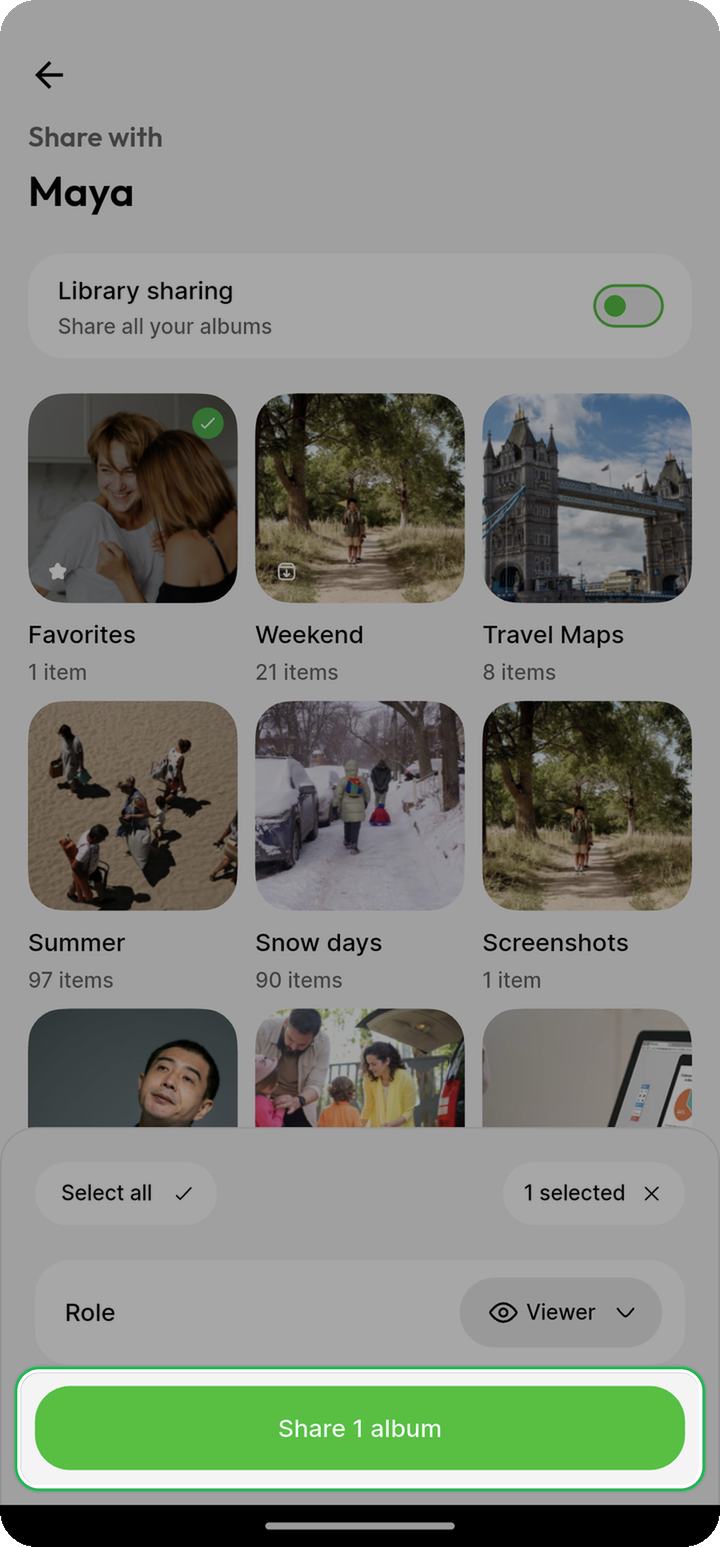
- Tap the Share button.
Uncategorized is always shared as Viewer, even if you choose a different role for the selection.
The albums appear among the recipient's shared albums. New photos added to them remain available to the recipient as they are backed up.
See Collaboration for the permissions granted by each role.
Share new albums automatically
Open the same Share albums page and enable Library sharing. Choose the default role to use for albums shared automatically.
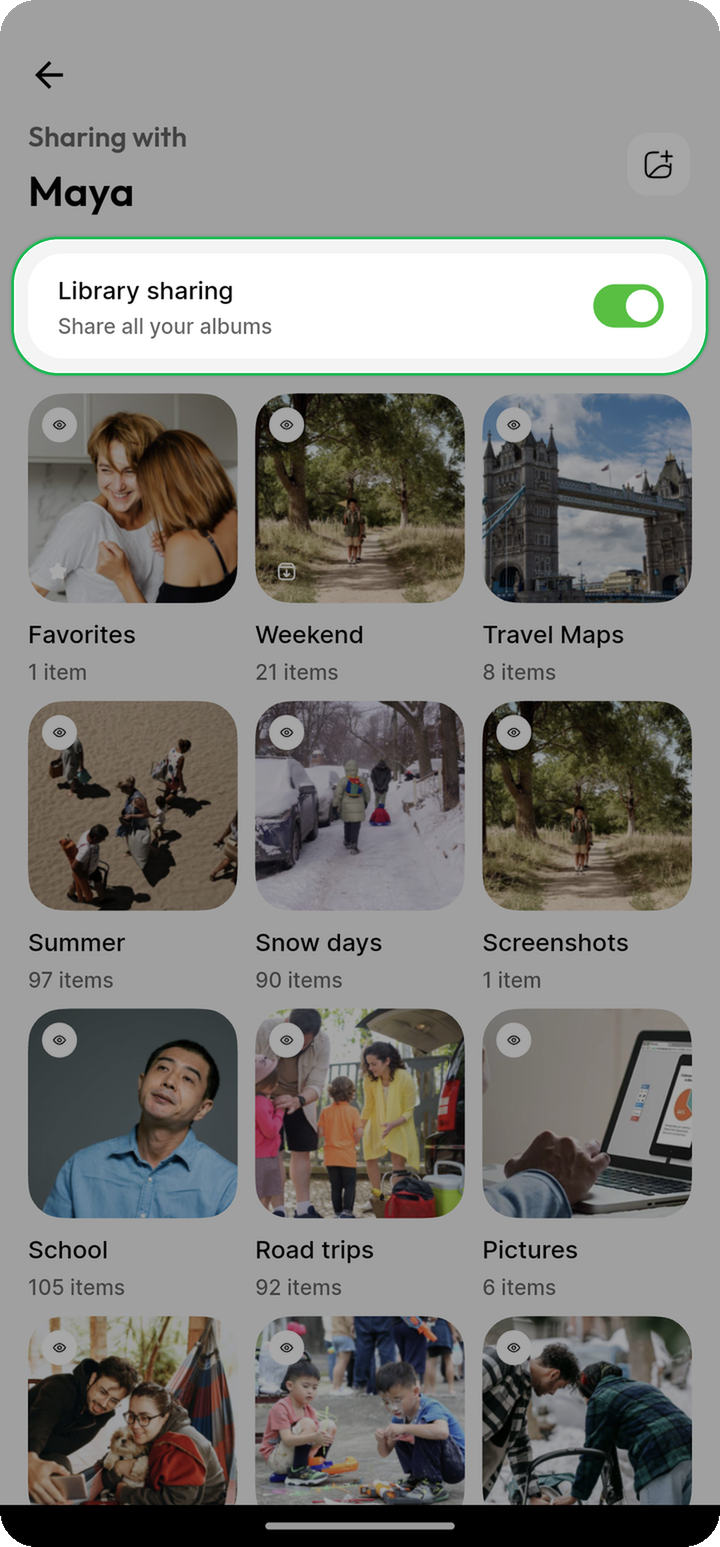
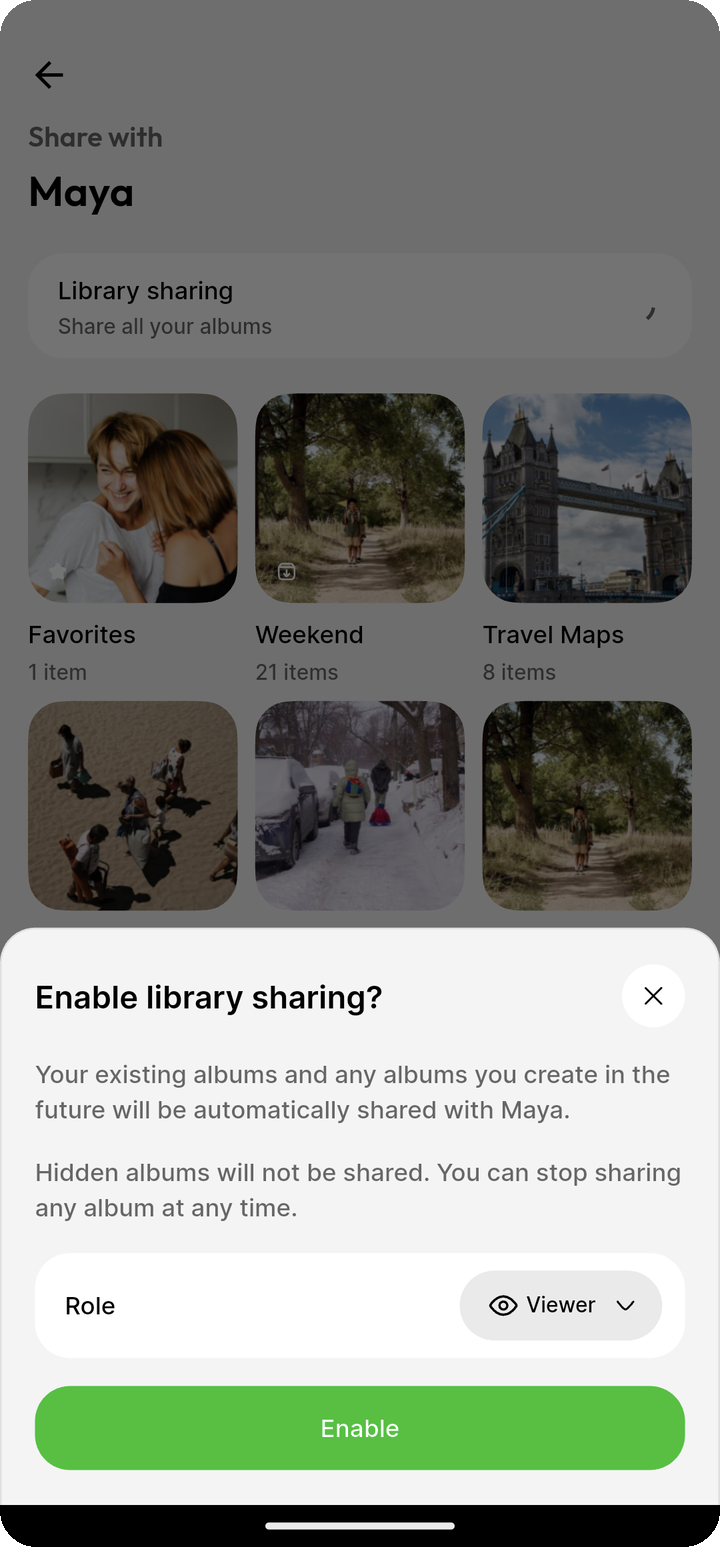
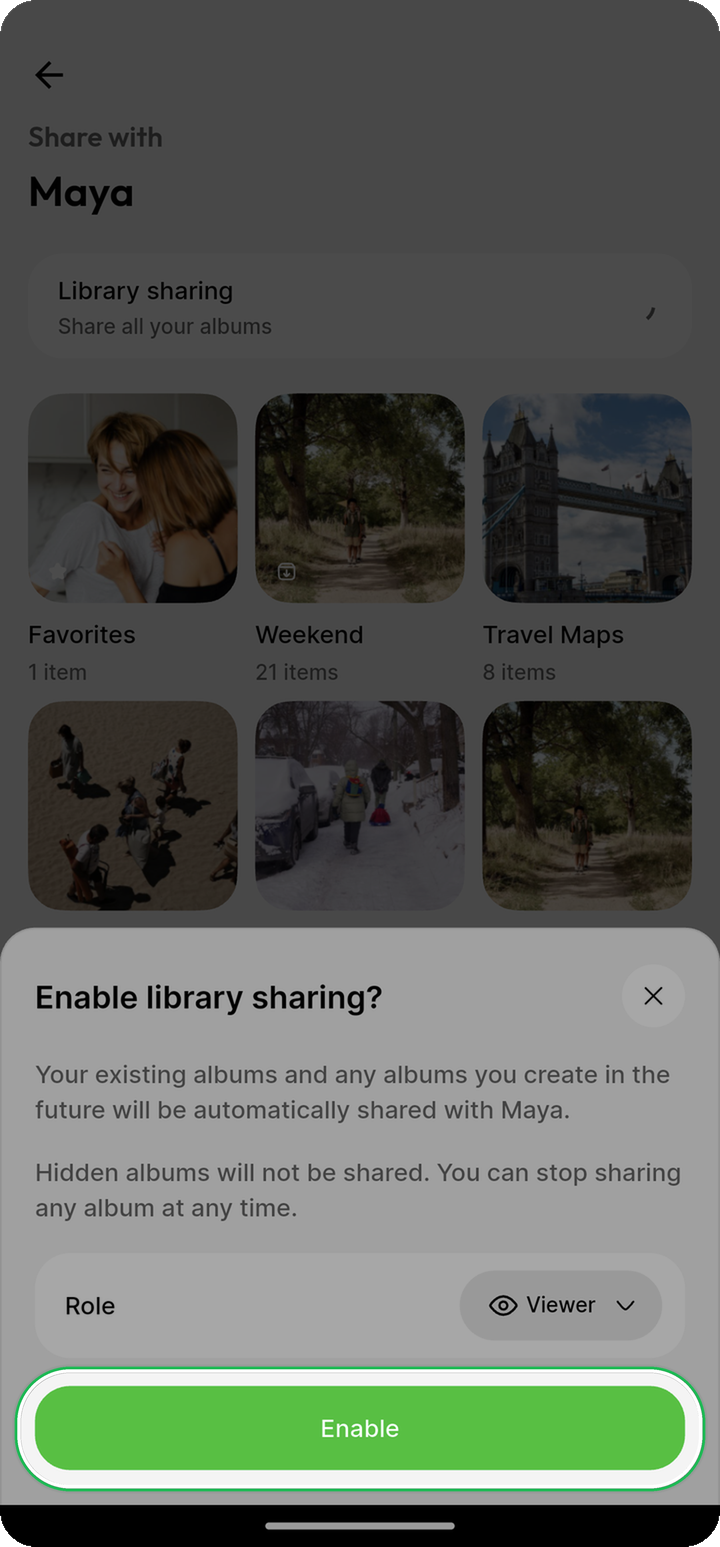
Ente shares your current albums and automatically shares new albums you create. It skips:
- Hidden albums
- Albums you stopped sharing or that the family member left
- Albums shared with you by someone else
- Quick Link albums
You can select a previously unshared album manually. Unhide a hidden album before sharing it.
Quick Link albums must be converted to regular albums before they appear on the Share albums page.
Automatic sharing runs in the mobile app. If you create albums on web or desktop, open Ente Photos on your phone and let it sync to share them automatically.
Manage library sharing
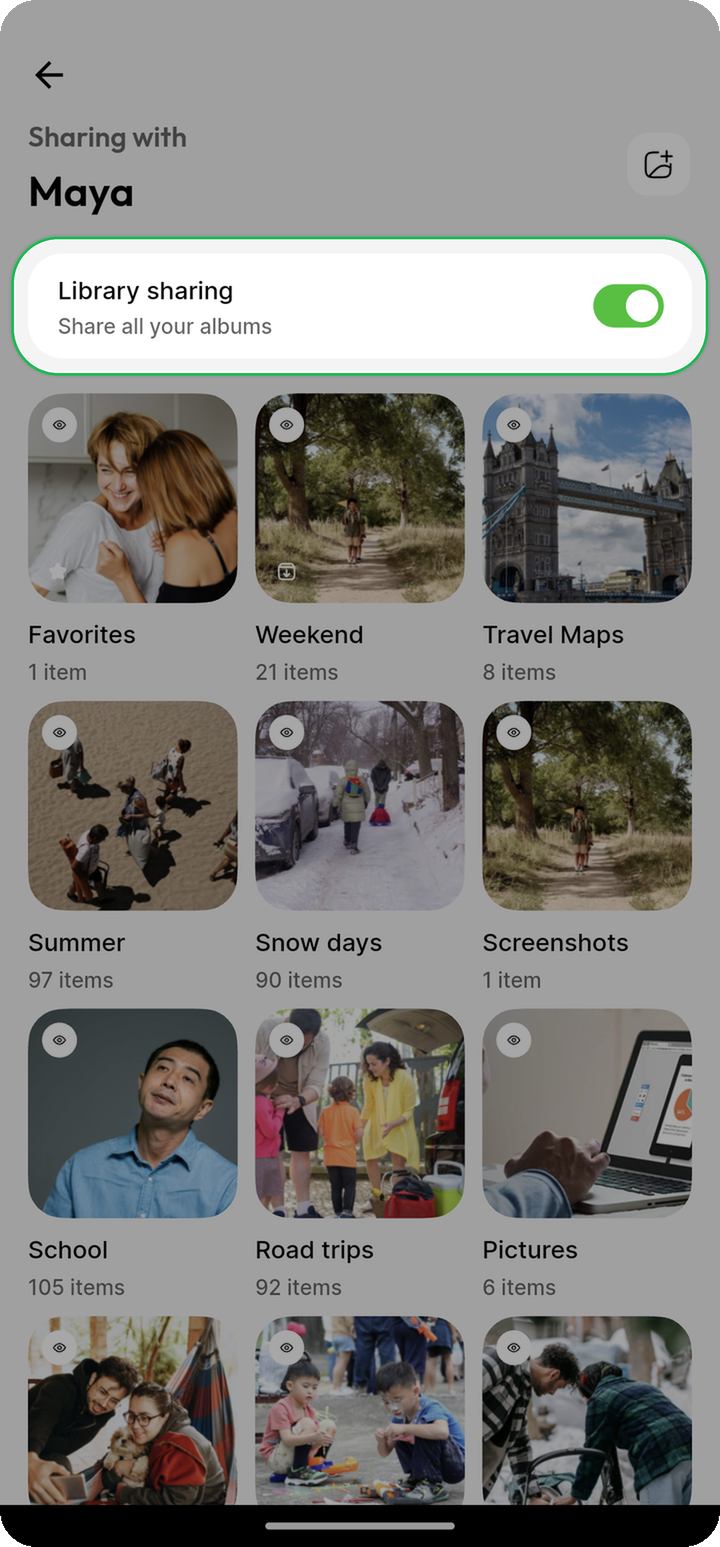
On a family member's Share albums page, you can:
- Share more albums
- Change the roles assigned to shared albums
- Stop sharing selected albums
- Disable automatic library sharing
Disabling library sharing does not revoke existing shares or stop new photos from appearing in those albums. It only stops new albums from being shared automatically.
If the family member leaves your family plan, automatic sharing with them is disabled. Existing album shares remain until you stop sharing them.
Privacy
Library sharing uses the same end-to-end encryption as other shared albums. Your device encrypts each album key for the recipient before sending it to Ente. Ente's servers receive the account and album identifiers, roles, and sharing source required to establish and enforce shares, but cannot decrypt album keys, photos, album names, or comments and likes.
Library sharing preferences are also end-to-end encrypted and synced across your devices.
Platform support
You can configure library sharing on iOS and Android. Albums shared through it are regular shared albums and remain accessible through Ente's mobile, web, and desktop apps. Library sharing controls are coming to web and desktop later.