
Document
Documents let you upload and store files securely with end-to-end encryption. Store PDFs, images, scanned documents, and other important files that you need to keep safe and accessible.
Use cases
- Passport and ID scans
- Contracts and legal agreements
- Receipts and invoices
- Certificates and diplomas
- Insurance documents
- Tax returns and financial records
- Medical records and prescriptions
- Property documents
Scanning a document
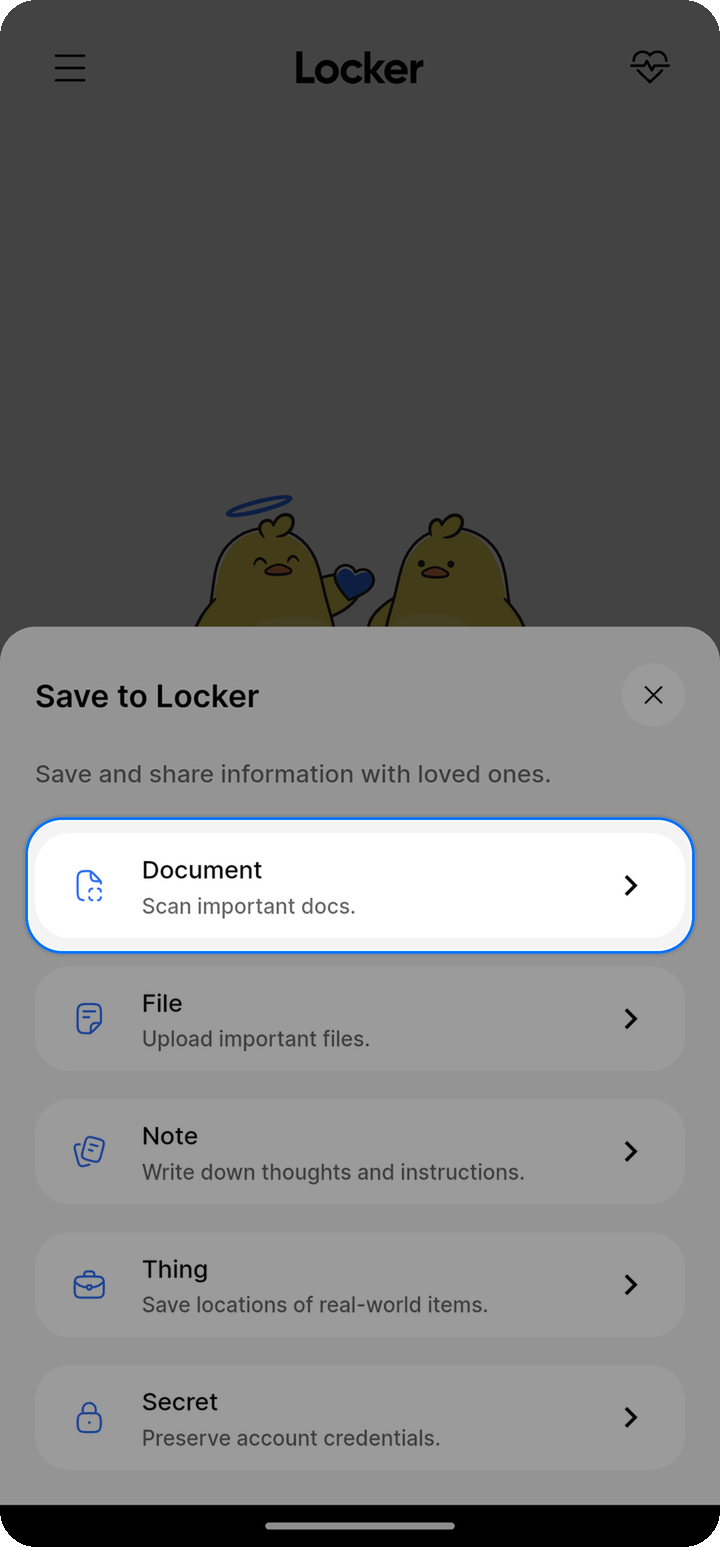
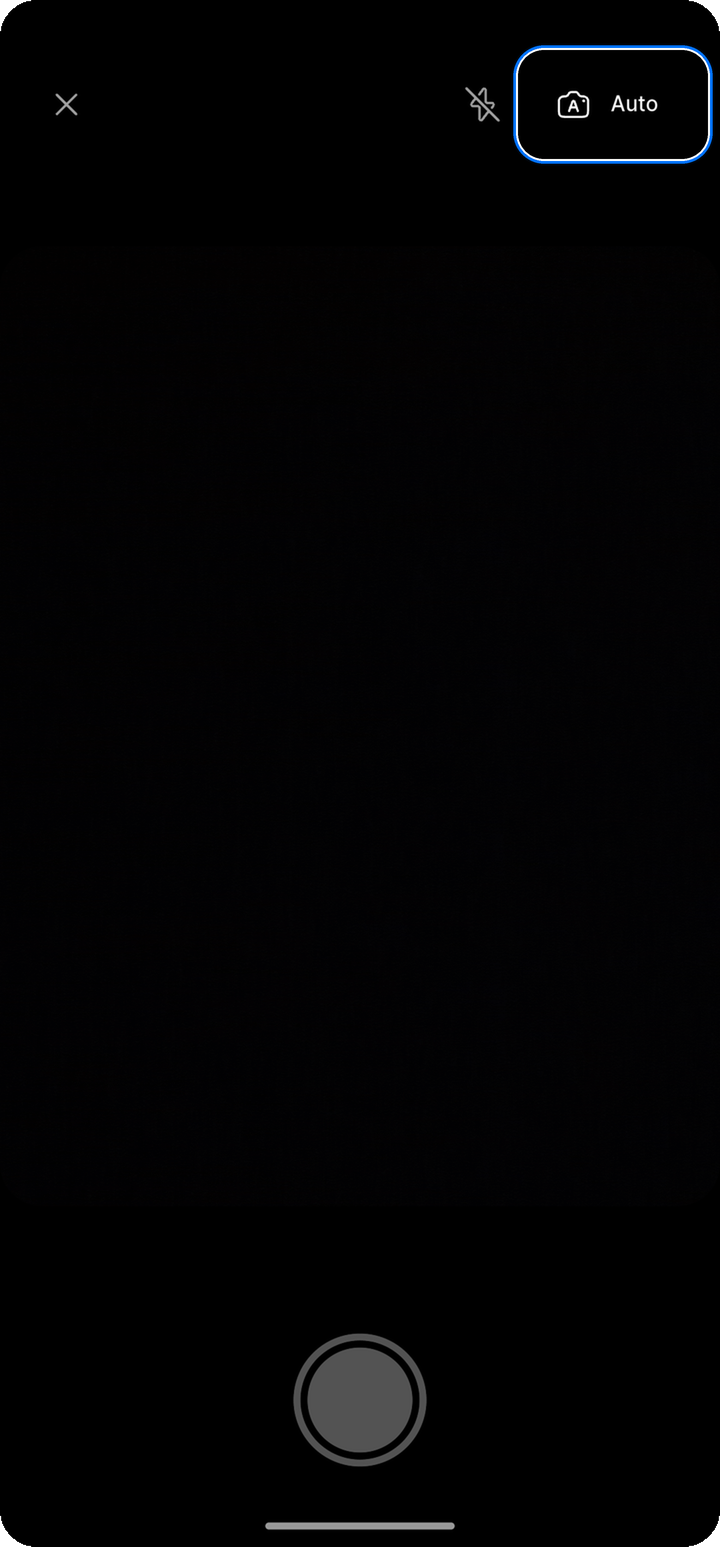
Document scanning is available in the Locker mobile app on Android and iOS.
- Tap the camera button on the home screen
- Point the camera at the page. Keep Auto enabled for automatic capture, or switch to Manual and tap the shutter button
- Repeat for any additional pages, then tap the check-mark button
- Review the scan. You can adjust the crop, rotate or delete pages, retake a page, add another page, and rename the PDF
- Tap Save to Ente
- Select one or more collections, or leave them unselected to save to Uncategorized
- Tap Save
Locker combines all scanned pages into one PDF before uploading it.
To retake a page, select it in the review screen and tap the retake icon. Take a new photo of that page. The other pages stay as they are.
Uploading an existing file
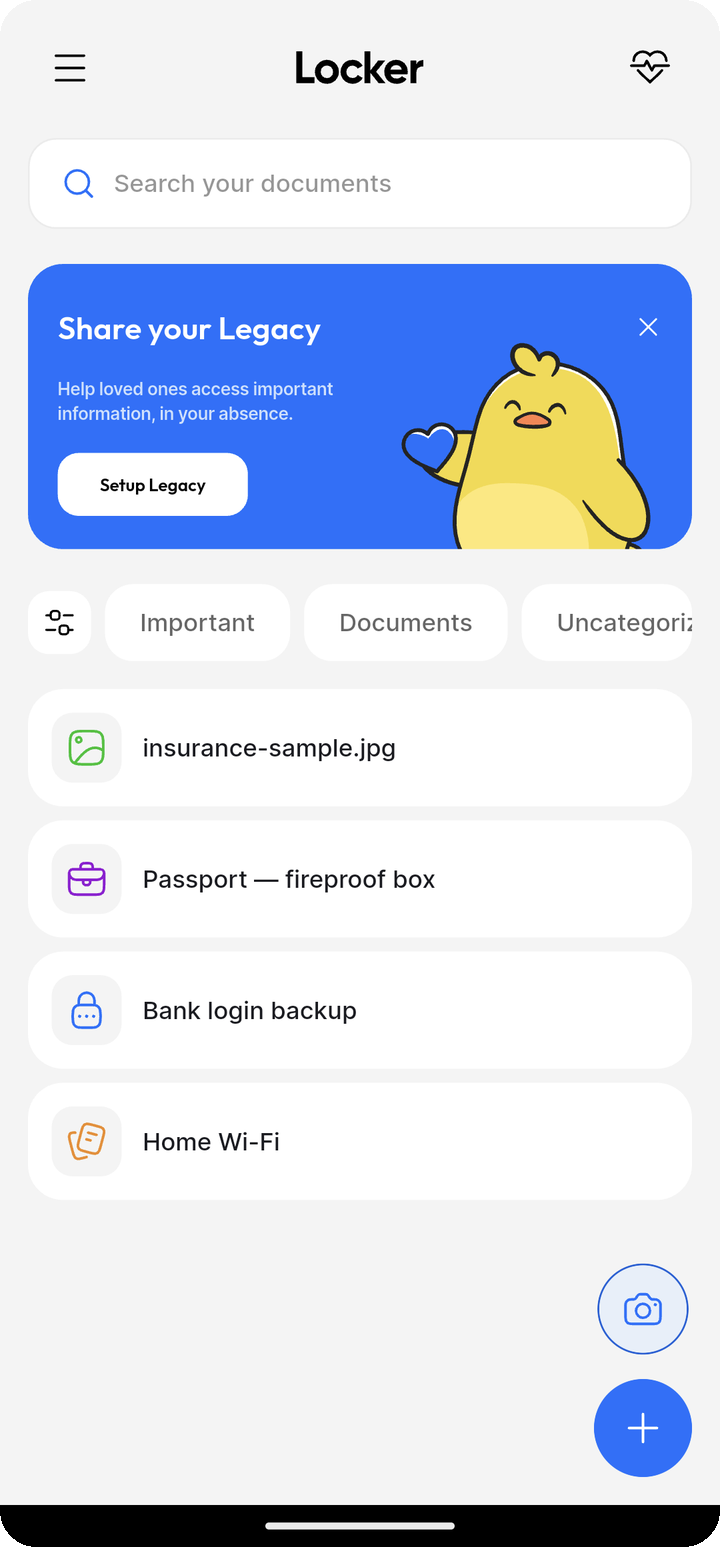
- Open Ente Locker
- Tap the + button
- Select File
- Choose one or more files from your device
- To rename a file, open the menu beside its name and select Rename. Enter a new name and tap Save
- Select one or more collections, or leave them unselected to save to Uncategorized
- Tap Save to upload
Renaming a file here changes its name in Locker. The original file on your device keeps its name.
Sharing files into Locker on Android
- In another app, select one or more files
- Tap Share and choose Ente Locker
- Review the files and choose the collections to save them to, or leave collections unselected to use Uncategorized
- Tap Save
Locker shows a warning if the same file was shared twice or a file cannot be opened. You can still upload the other files.
Supported file formats
Locker supports common document formats including:
- PDF files: Contracts, statements, forms
- Images: JPG, PNG, HEIC for scans and photos
- Other formats: Various document types
Check the app for the complete list of supported formats.
Features
Secure viewing
Tap an uploaded image to open it directly in the Locker mobile app. Pinch or double-tap to zoom, and drag to move around a zoomed image.
If an image cannot be displayed, use the option to open it in another app. PDFs and other document types open in a compatible app on your device.
Files are decrypted on your device for viewing and remain encrypted in storage.
Document details
Each document can include:
- Title: A descriptive name for easy identification
- Collection: Organize with related items
Search
Find documents quickly by searching for their titles. Use descriptive names when uploading to make documents easier to find later.
Organization tips
Create collections to organize your documents by category:
- Identity: Passports, driver's licenses, ID cards
- Financial: Tax returns, bank statements, investment records
- Medical: Health records, prescriptions, insurance cards
- Legal: Contracts, wills, property deeds
- Receipts: Purchase receipts, warranties, invoices
Sharing documents
Share documents via public links:
- Long press on the document you want to share
- Tap the share button
- Tap Share link
To share documents with another Ente user, add them to a collection and share the collection.
Learn more about Sharing.
Storage considerations
Uploaded documents count toward your storage quota. Consider:
- Compressing large PDFs before uploading
- Using appropriate image resolution for scans
- Removing unnecessary pages from multi-page documents
Best practices
- Use descriptive titles: Make documents easy to find with clear names
- Organize with collections: Group related documents together
- Keep originals safe: Locker is for secure backup, not a replacement for physical document storage