
QR codes in photos
Ente Photos can detect QR codes inside photos and screenshots, so you do not need to leave the app or use a second device to scan them.
Availability
- Platforms: iOS and Android mobile apps
- Supported files: Photos and screenshots in the standard viewer
Scan a QR code from a photo
On mobile:
- Open a photo or screenshot that contains a QR code.
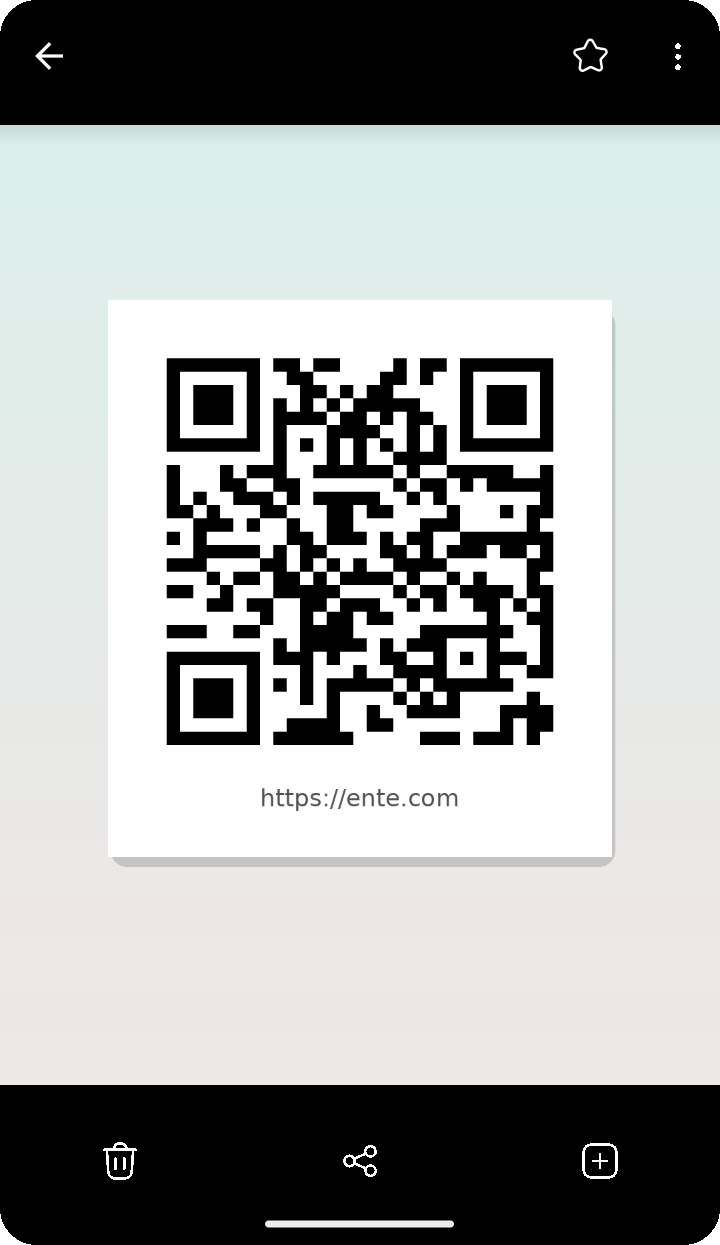
- Touch and hold on the QR code in the photo.
- Ente detects the QR code and shows its contents.
- Choose what you want to do next:
- Open link for web links
- Copy to copy the detected contents
- Share link or share the detected text with another app
- Pay for supported UPI payment QR codes
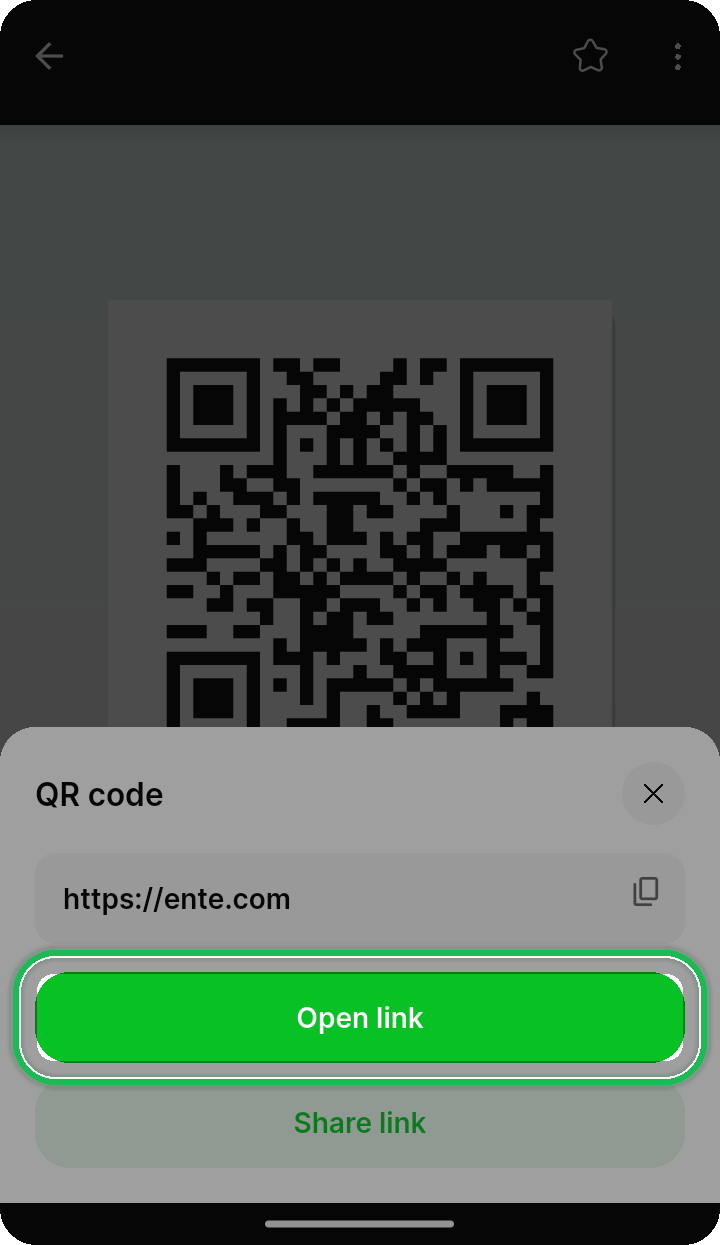
If a photo contains more than one QR code, Ente can show each detected result separately.
Tips
- QR code detection works nicely on screenshots, invitations, posters, and payment codes saved to your library.
- If nothing happens, zoom in a little and try long-pressing directly on the QR code area.
- For text-heavy screenshots, you can also use Detect Text (OCR).
Privacy
Detection happens on your device. Ente does not upload the detected QR contents just to scan them.