In my last post, I wrote about what we were building next: better sharing with family, faster machine learning on your device, and deeper integration with Android. A month later, most of it has shipped, along with a few things that weren't on the list.
This is one of the fullest releases we've put out. Here's what's new.
Library sharing
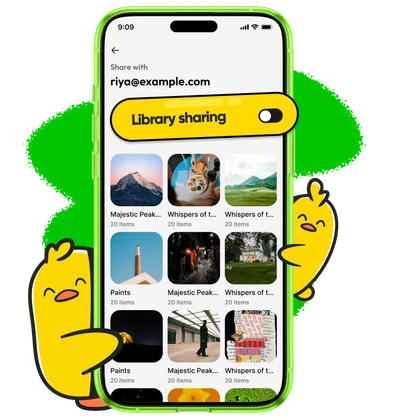 Until now, sharing with family required sharing albums one at a time. Every new trip, and every new album, you had to deal with another round of "did you add me?".
You can now share your entire library with a family member. Head to Settings → Family, pick a member, and tap Share albums. Everything you have is shared, and every album you create from here on is shared automatically.
Hidden albums stay hidden, because some things are yours alone :)
Album slideshows
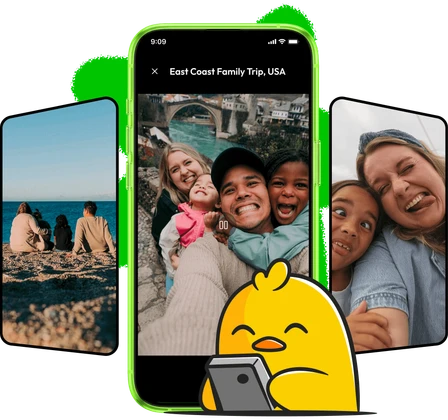 Pick one album, or a few, and play them as a slideshow. You can set how long each photo stays, the order they play in, and what the background looks like.
We built this because our Discord community asked for it, and it made a lot of sense. The use case I'm personally most excited about is upcycling old hardware. If you have a tablet gathering dust in a drawer, it can now be a photo frame. Pair that with smart albums, and it becomes a frame at your parents' place that updates itself.
Music in Memories
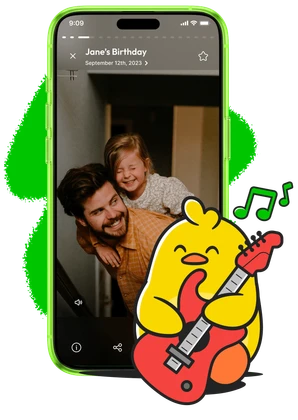 Memories can now play with music, and you can control the audio while they play.
In typical Ente fashion, we wanted to pour our heart into this, so we composed all the tracks for this feature. You can listen to them @ music.ente.com.
Album improvements
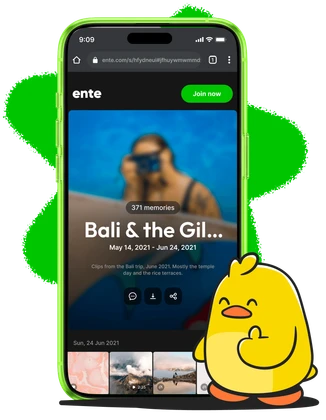 Albums can now have descriptions, so you can attach the stories around your photos. These descriptions will show up in your shared links as well.
The Ente filter now shows all your albums on Ente, including the ones shared with you. Also, these filters are easier to reach, and the page will remember where you left off.
Backup improvements
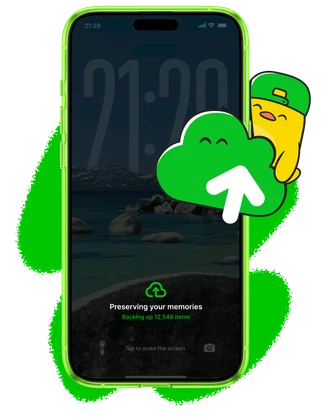
Our backup status now shows progress per file, so you've more visibility into what's happening during large uploads.
On iPhone, a new Backup Mode keeps Ente Photos awake with a dimmed screen while a large backup finishes. iOS is aggressive about suspending apps, and this is now the most reliable way to get a large first backup to complete overnight.
Also, large multipart uploads are now more robust and use less memory.
Faster machine learning
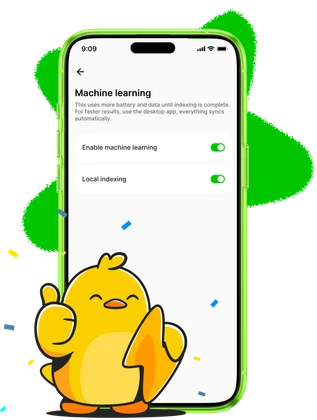
All the machine learning in Ente Photos runs on your device, so every millisecond we shave off matters.
Here is a short summary of the improvements we have landed over the last few weeks
- Inference on recent iOS devices is ~10x faster: ~40ms per image across all indexing models
- Inference on Android is ~4-5x faster, depending on the device
- Pre- and post-processing now runs in Rust, at ~5ms per image on iOS and ~50ms on Android
- HEIC decoding is ~2x faster
- Model load times on iOS are down ~10x
- Indexing runs more reliably in the background, with isolation for foreground and background processes
Here's a longer post outlining all that has changed.
Location search

You can now search for places. City matching is significantly better and country names work in your language as well as the country's native language.
These improvements around your places feeds into Memories, so the ones curated around locations get better too.
We've also reordered results, so what you're looking for sits closer to the top.
Device trash on Android
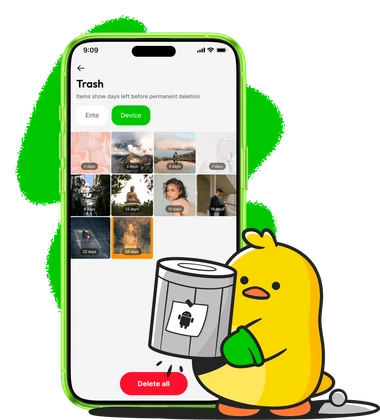
Ente Photos is now integrated with the device trash on Android. So device photos you delete through Ente Photos move to the device trash and you can recover them through the app.
This is part of the deeper Android gallery integration we are working towards.
Desktop
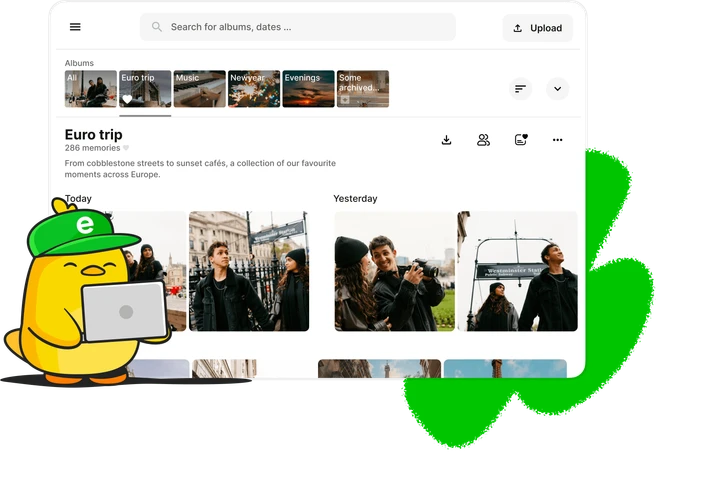
Desktop has been catching up too.
The biggest change is under the hood. Desktop now runs the same Rust machine learning code as mobile, with CoreML on macOS and WebGPU on Linux and Windows. One indexing pipeline across every platform means fewer bugs, and every speedup lands everywhere at once.
There’s a fresh welcome, too: a new onboarding flow with updated visuals ✨
There's more! The Albums view has been revamped, with filters for quick links, received albums, and shared albums, plus an option to delete all your empty albums in one go. You can edit album names, descriptions, and cover photos from a single dialog, and descriptions now appear in the gallery. Hidden albums have received some attention too: you can add photos and move them between hidden albums, and we’ve fixed their quick link visibility. Also, on Windows and Linux, title bars now follow your selected theme.
There are a few more everyday improvements as well:
- Search while assigning names to people.
- Find photos that have no location.
- Share and apply referral codes.
- Track video processing progress with a percentage under Streamable videos in Preferences.
More
Thank you for scrolling this far, there is a bit more.
- Faster on big libraries, with quicker search, smart memories, map, and timeline scrolling. Android loads large on-device libraries faster and with less memory.
- Device photos show up sooner, with fewer unnecessary reloads after local changes.
- Better video playback, with double-tap to seek five seconds, playback speed controls, and reliable exports when audio and video lengths differ.
- Edits that preserve the original, keeping EXIF metadata, and saving JPEG rotations and flips without recompression.
- Smart albums now pick up newly recognized people automatically.
- A cleaner photo viewer, with tidier controls and captions, and double-tap zoom that follows where you tapped.
- Multiple bug fixes on Android, including optimizations to Free up space.
- Easier support, with the support email visible and easy to access while reporting an issue.
The full changelog has everything.
What's next
For the next sprint, we're focusing on performance and quality of life. We want Ente Photos to be the best photos app, and the best way to get there is by listening to you. So check out the app, find what's missing, and talk to us!